

 Image 1 of 1
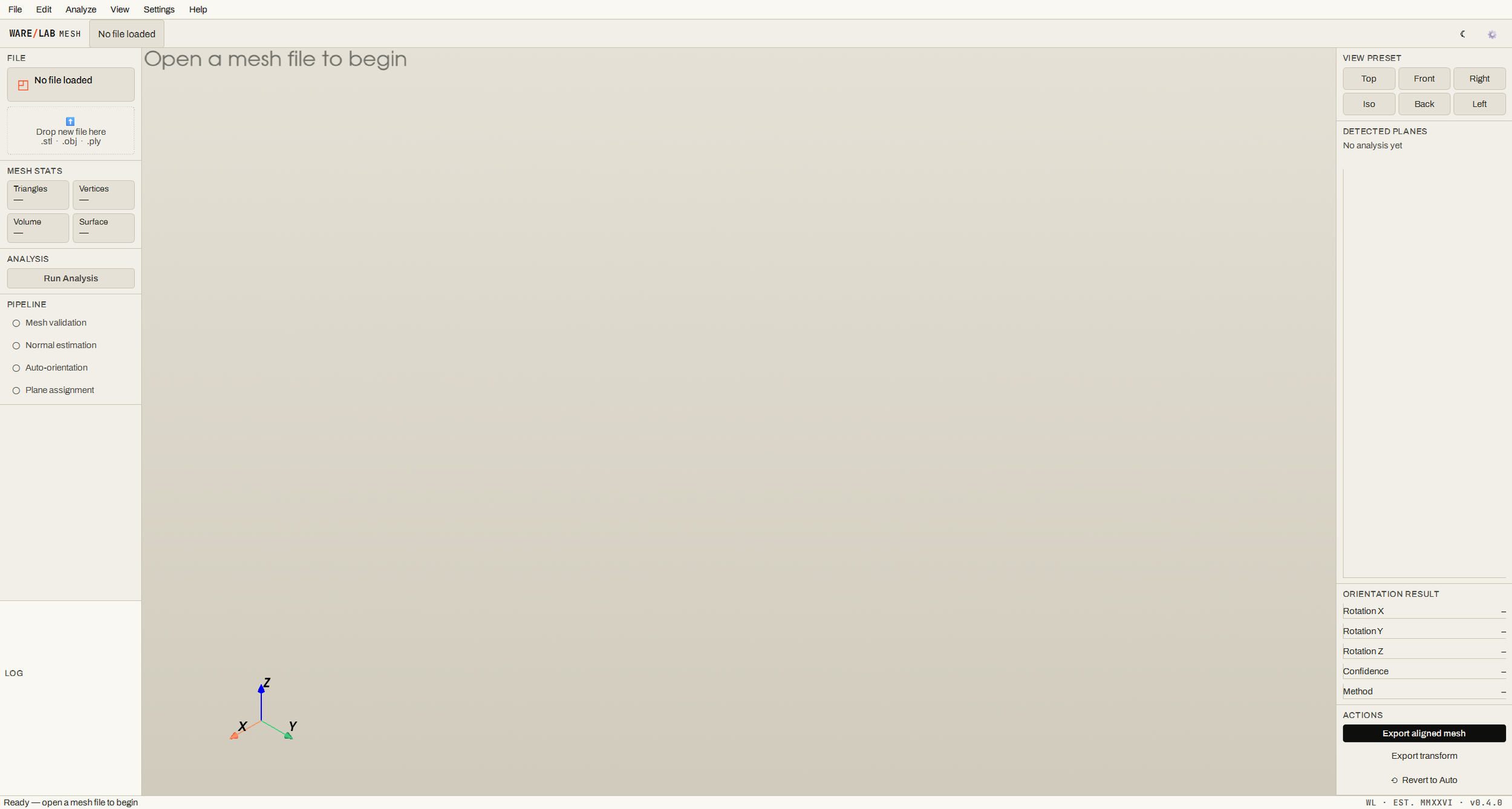
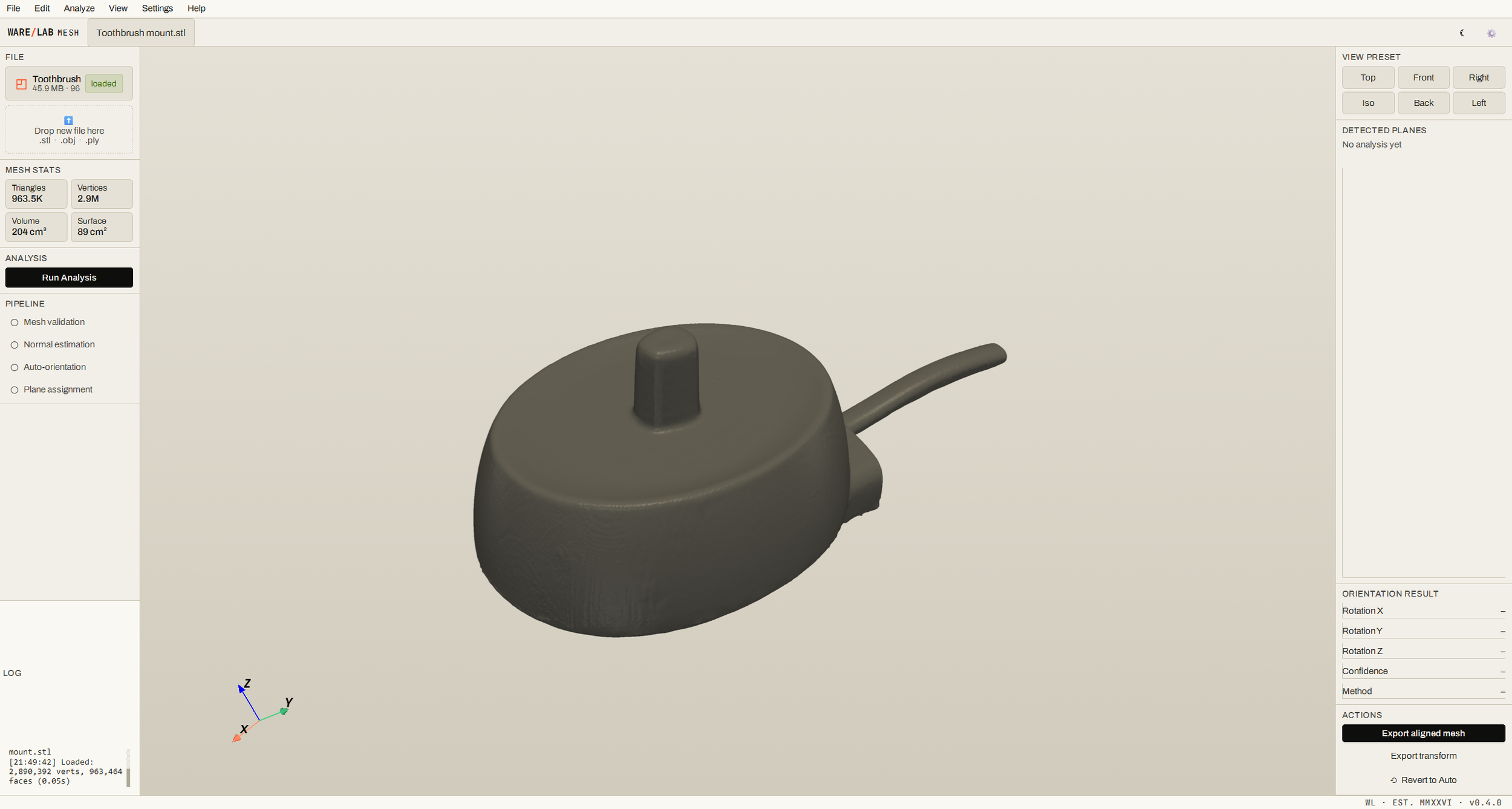
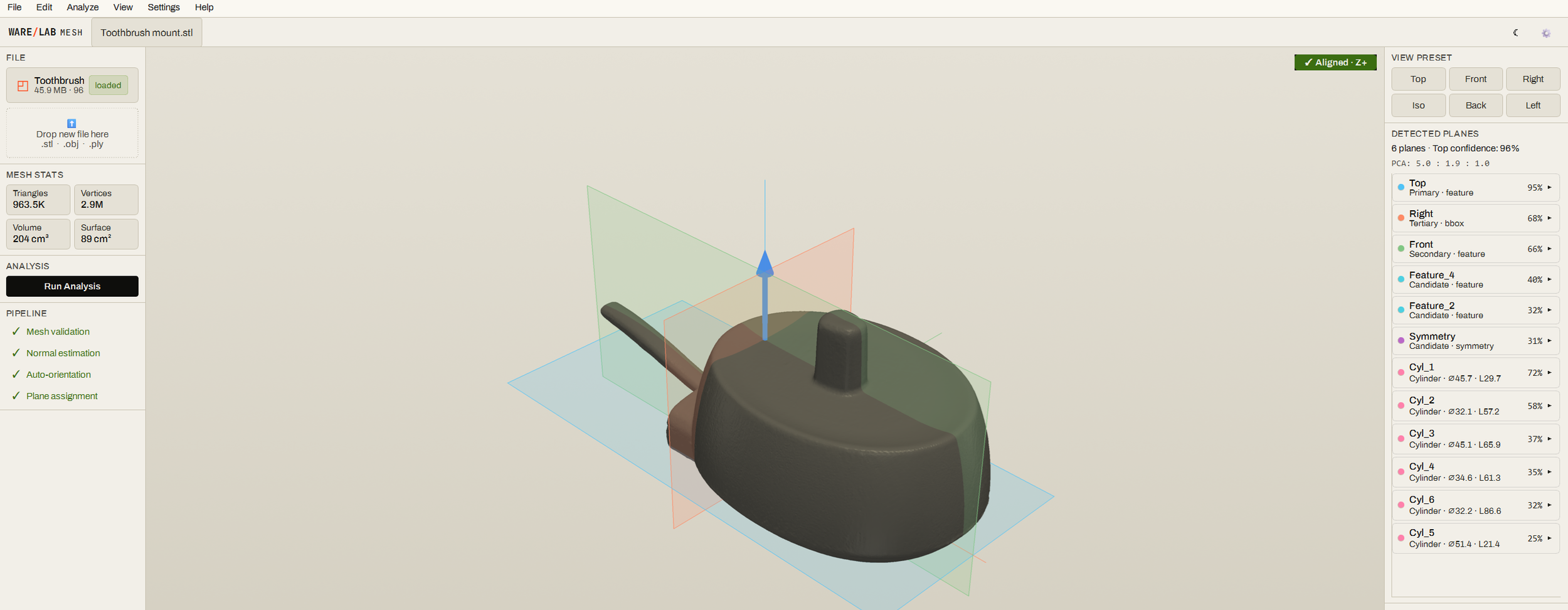
USE CASES (concrete scenarios, not generic)
Reverse engineering You scanned a legacy bracket. WARELAB Mesh orients the part with its mounting face on Z=0 and its long axis along X. Import to SolidWorks, sketch on the flat face, build the CAD model.
Inspection & QA A batch of CNC-machined parts needs comparing against a master scan. WARELAB Mesh aligns each new scan to the master's coordinate frame in seconds — ready for deviation analysis in your CMM software.
3D printing prep Your scanner spits out the model upside-down or sideways. One click in WARELAB Mesh, the model sits flat on the build plate. Slice and print.
Heritage / artefact digitisation Museum-piece scans with no obvious datum. WARELAB Mesh detects the principal symmetry plane and aligns to it — consistent orientation across the whole collection.
SPECIFICATION SHEET
Platforms Windows 10, Windows 11 (x64) Input formats STL, OBJ, PLY Output formats STL, OBJ, PLY (aligned mesh); JSON (transform matrix) Maximum mesh size No hard limit; tested up to 3M vertices Analysis time ~15 seconds for a typical 1M-vertex mesh on a modern laptop Memory 4 GB RAM minimum, 8 GB recommended for large meshes Installation size ~280 MB Internet required No — fully offline operation Languages English
WARELAB Mesh is part of the WARELAB workshop suite — engineering tools built for the people who actually use them.
© MMXXVI George Ware, trading as WARELAB. All rights reserved.